User’s Guide

A

STEP 01

Design

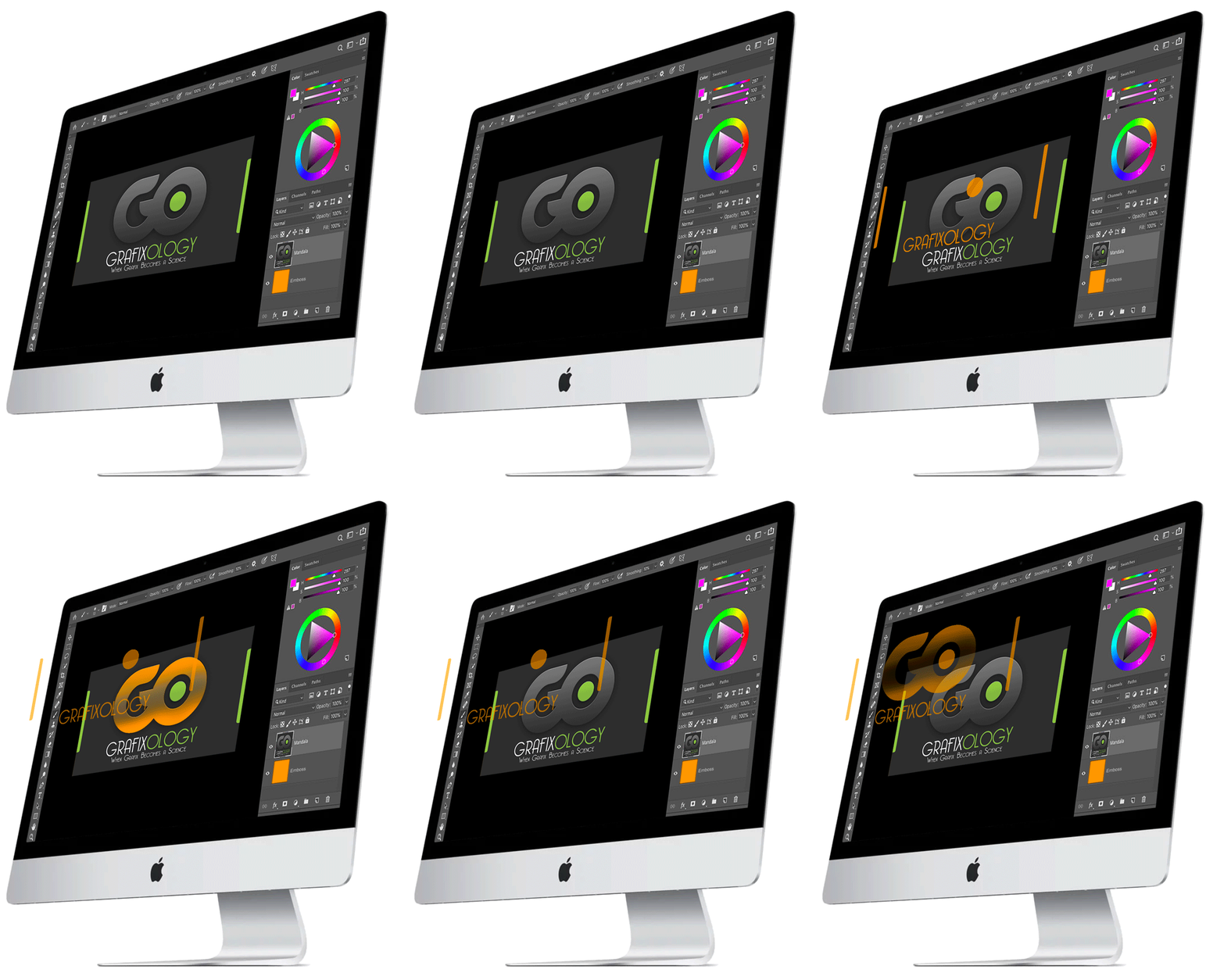
With X-Max Print, even the most complicated and time-consuming tasks become easy to handle. Our plug-in is fully compatible with Adobe Photoshop and enables you to design the image and select the areas you want to be embossed. Just use the brush pointer and add layers where necessary.
X-MAX Print user guide step A
B

STEP 02

Preview

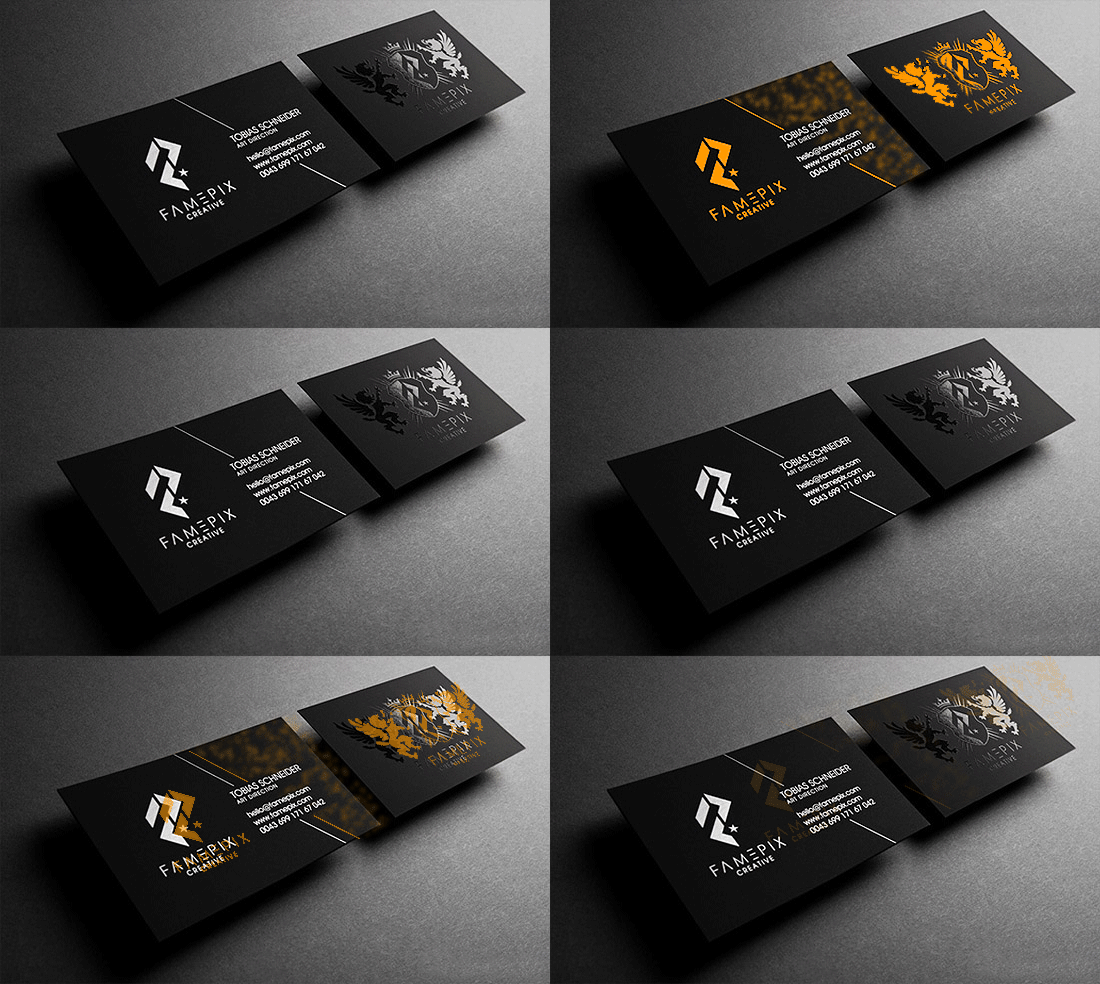
With X-Max Print, you are now able to preview the image before sending it for printing. You can view the image from any angle and will see how the product will look like in reality. Keep traction of your work and make changes on-the-go to achieve the highest quality of printing and avoid unnecessary corrections.

X-MAX Print user guide step B
C

STEP 03

Print

Once you finish editing the image, send it for printing. Our plug-in is compatible with printers of all major producers including Kodak and Canon and will ensure the best quality of printing.

X-MAX Print user guide step C