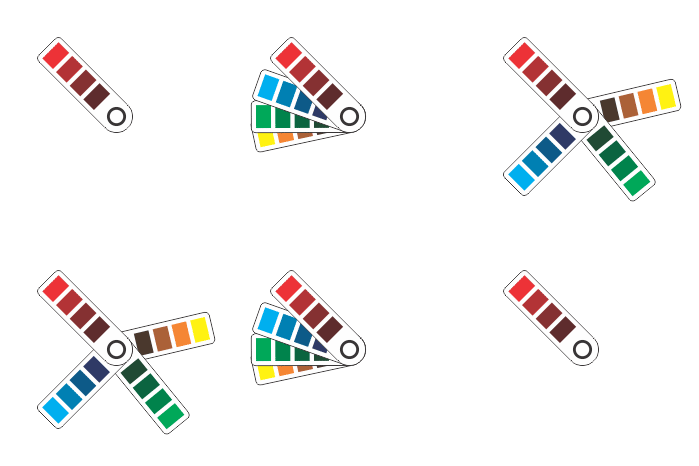
Designing for print involves more than color and composition. Often, designers must specify the exact materials, textures, and densities needed to ensure a project prints correctly. However, Adobe Creative Suite products do not support embedding these non-ink parameters directly into design files. This leads to misunderstandings, delays, and wasted resources.
X-MAX Print Plug-In solves this problem. It integrates seamlessly with Adobe software and allows designers to select material properties and save them inside the file. The result is a smoother, more accurate workflow between designers and print shops. Print specifications are no longer sent separately or discussed through endless emails—they are embedded in the artwork file itself.
This smart integration saves time, reduces production errors, and ensures that the final printed product reflects the original creative vision, without compromise.
Automated Precision in Visual Design Projects
Many professionals rely on Adobe products like Illustrator or Photoshop to create high-quality designs. Yet, when it comes time to print, these tools lack a way to define specific materials like textured paper, varnishes, or foil layers. As a result, designers must send extra instructions or explain technical requirements manually, often leading to confusion.
X-MAX Print Plug-In changes that. It adds an intuitive panel inside Adobe software where users can choose from a full catalog of non-ink materials and paper types. Each material includes technical specifications, such as density or finish. Once selected, all parameters are saved directly in the design file.
The print shop can then access this embedded information and begin production without clarification. This process avoids misinterpretations and ensures that every print matches the designer’s intention. The plug-in turns what used to be a manual process into a simple, automated solution.
A Unified Material Directory Built for Creative Professionals
The power of X-MAX Print lies in its regularly updated material directory. This catalog is created in partnership with manufacturers and includes every major paper type and non-printable surface used in the industry. Each entry in the directory is described, categorized, and assigned a unique SKU number.
This system allows graphic designers to work with confidence, knowing they are choosing real materials currently available in the market. The plug-in eliminates the risk of outdated selections, missing details, or incorrect assumptions about stock availability. Designers can simply choose the appropriate options from the dropdown menu and proceed with their work.
The SKU system ensures that print shops can immediately identify and source the correct materials. With no manual descriptions or phone calls required, turnaround time improves, and errors drop significantly.
Engineering Creativity: The Team Behind the Plug-In
X-MAX Print was developed by a team of professionals with diverse expertise. CEO Kaveh Kavianpour brings experience in software and robotics, specializing in machine learning and automation. His technical background shaped the core concept of integrating smart data into creative workflows.
Chief Financial Officer Khatereh Hashemi contributes over 26 years of experience in business finance, helping the company grow sustainably while supporting creative professionals. Technical direction is led by Mohsen Kakvan, who has spent years building custom IT systems across industries.
Marketing Director Malihe Sheikhi adds strategic outreach and user-focused insight. With a background in psychology and communications, she understands the needs of designers, studios, and printers alike.
Together, the team developed a tool that is technically advanced, financially sound, and highly usable.
Bringing Order to Print Production
The X-MAX Print Plug-In brings clarity and structure to the often-chaotic process of printing visual designs. By embedding detailed material specifications directly into Adobe files, it helps creative professionals avoid miscommunication and wasted time.
Print shops can process orders more efficiently. Designers can focus on creativity, not logistics. And clients receive results that align with the original vision.
This integration of software, data, and design marks a step forward in professional printing—making every stage, from concept to production, more reliable and connected.